Master your inbox.
Find lost leads.
always follow up.
You are busy—make following up a breeze. The right time, tone, and voice based on they way you already email in Gmail and Outlook (coming soon). Built by marketers and advisors for companies, brands, and sales teams to utilize information and SAAS.
14-Day Free Trial

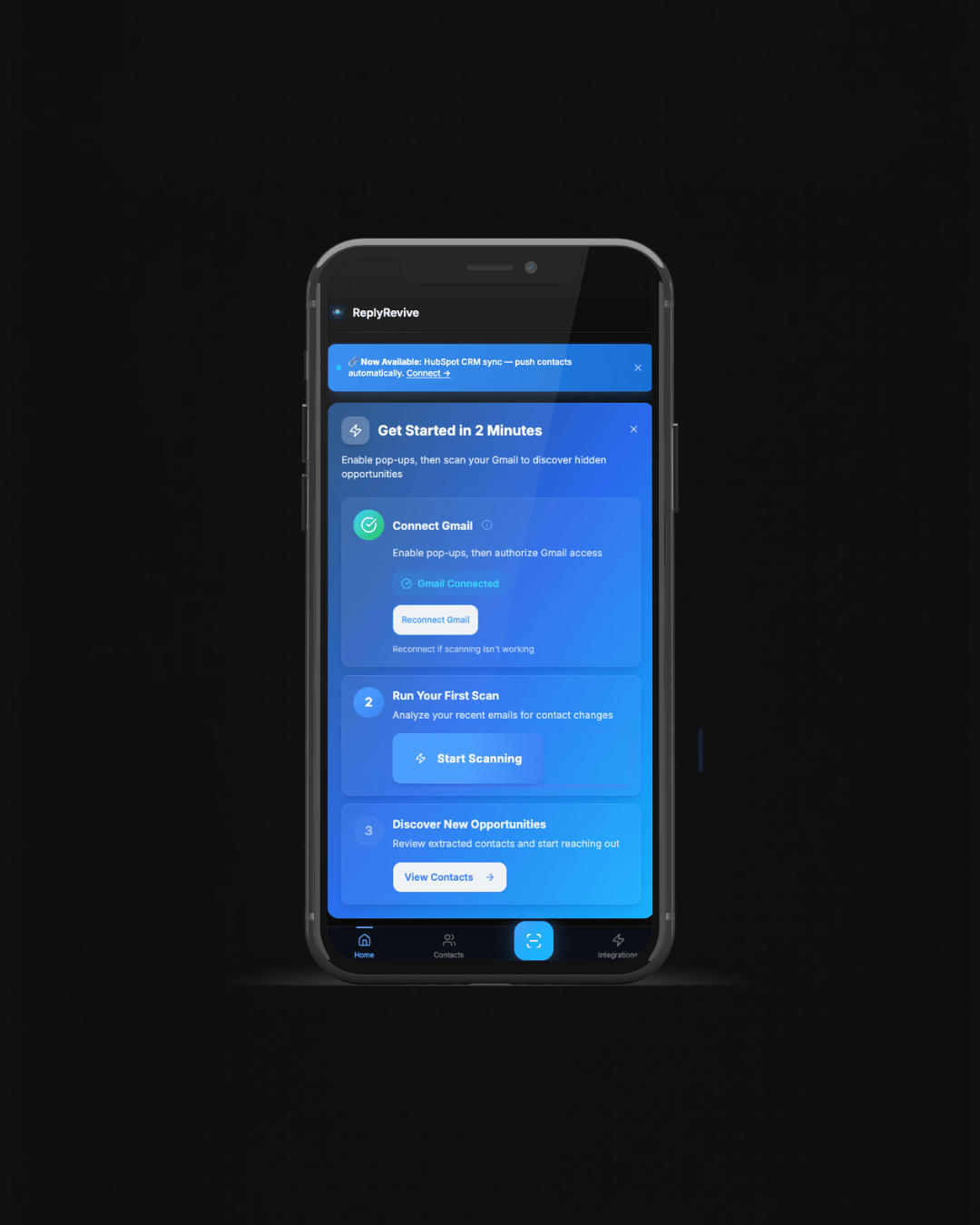
Three steps to recovered leads
Connect your email account and let ReplyRevive handle the rest

Connect your inbox
Link Gmail or Outlook in seconds with enterprise-grade security

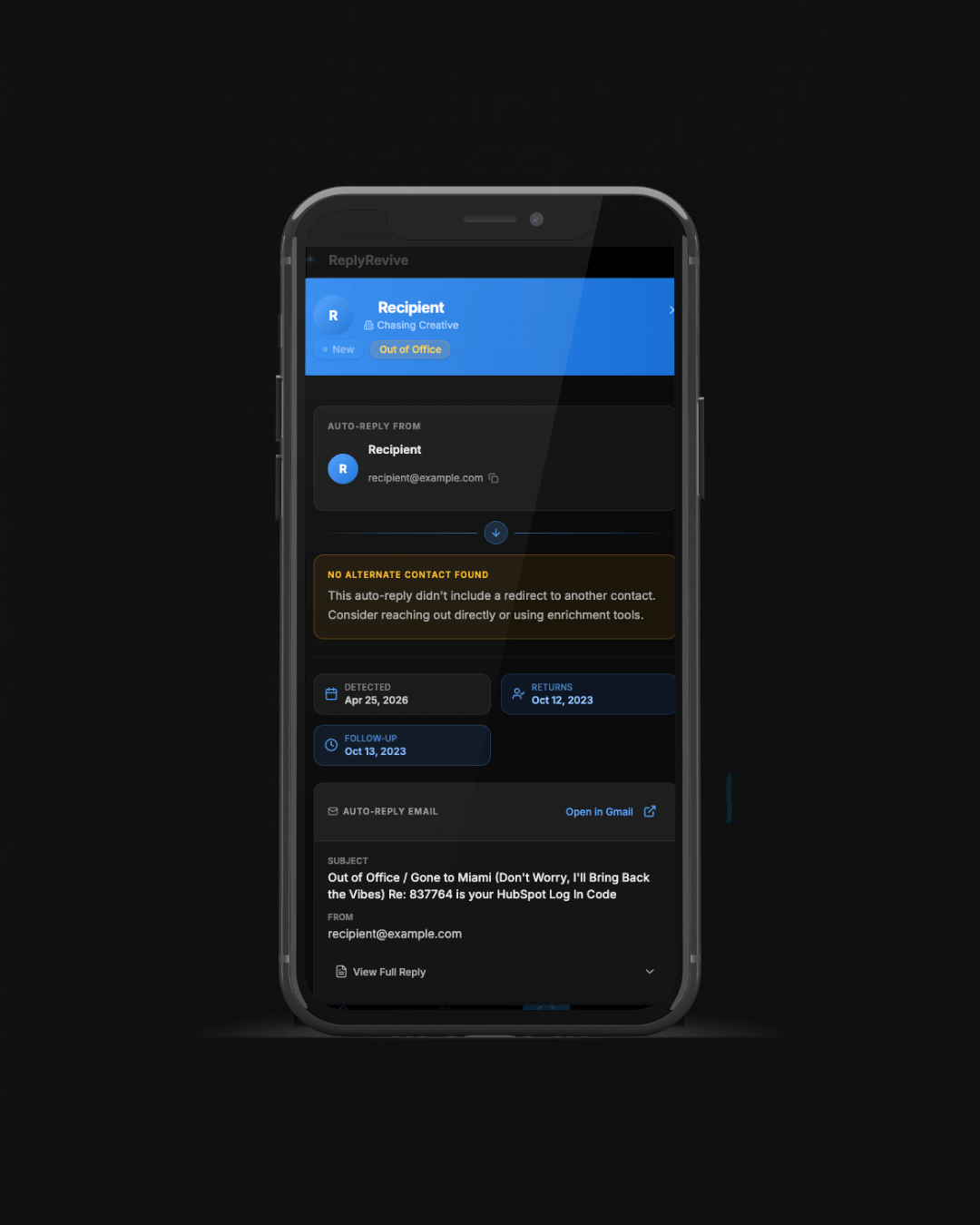
We scan for changes
ReplyRevive identifies auto-replies and flags contact transitions instantly

Reconnect with the right person
Export leads or sync directly to your CRM and start reaching out
What we've been working on
Four powerful features to accelerate your lead recovery workflow
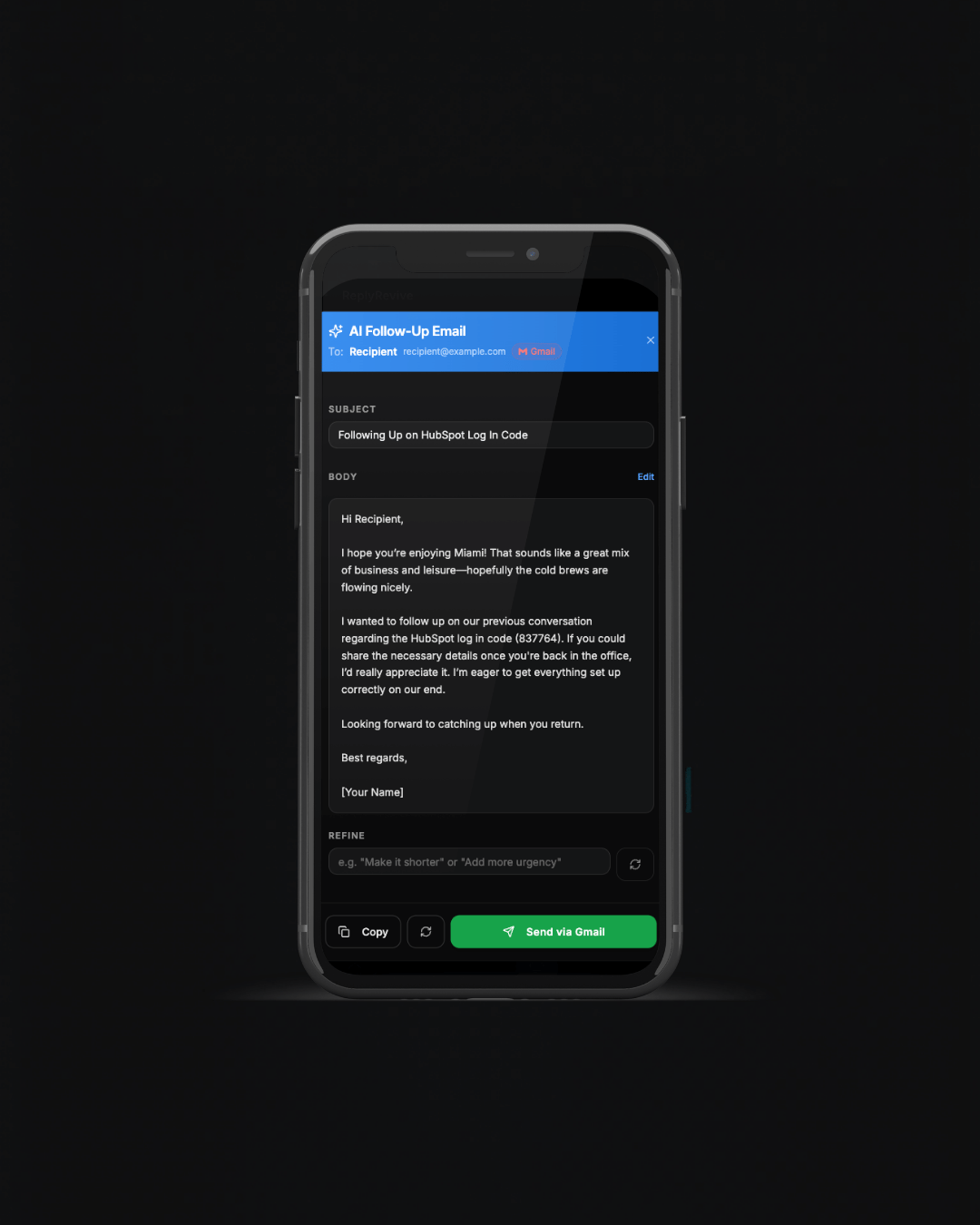
AI-drafted follow-ups
One click generates a personalized outreach email based on why the contact is unreachable. Edit, regenerate, or send directly via Gmail or Outlook.
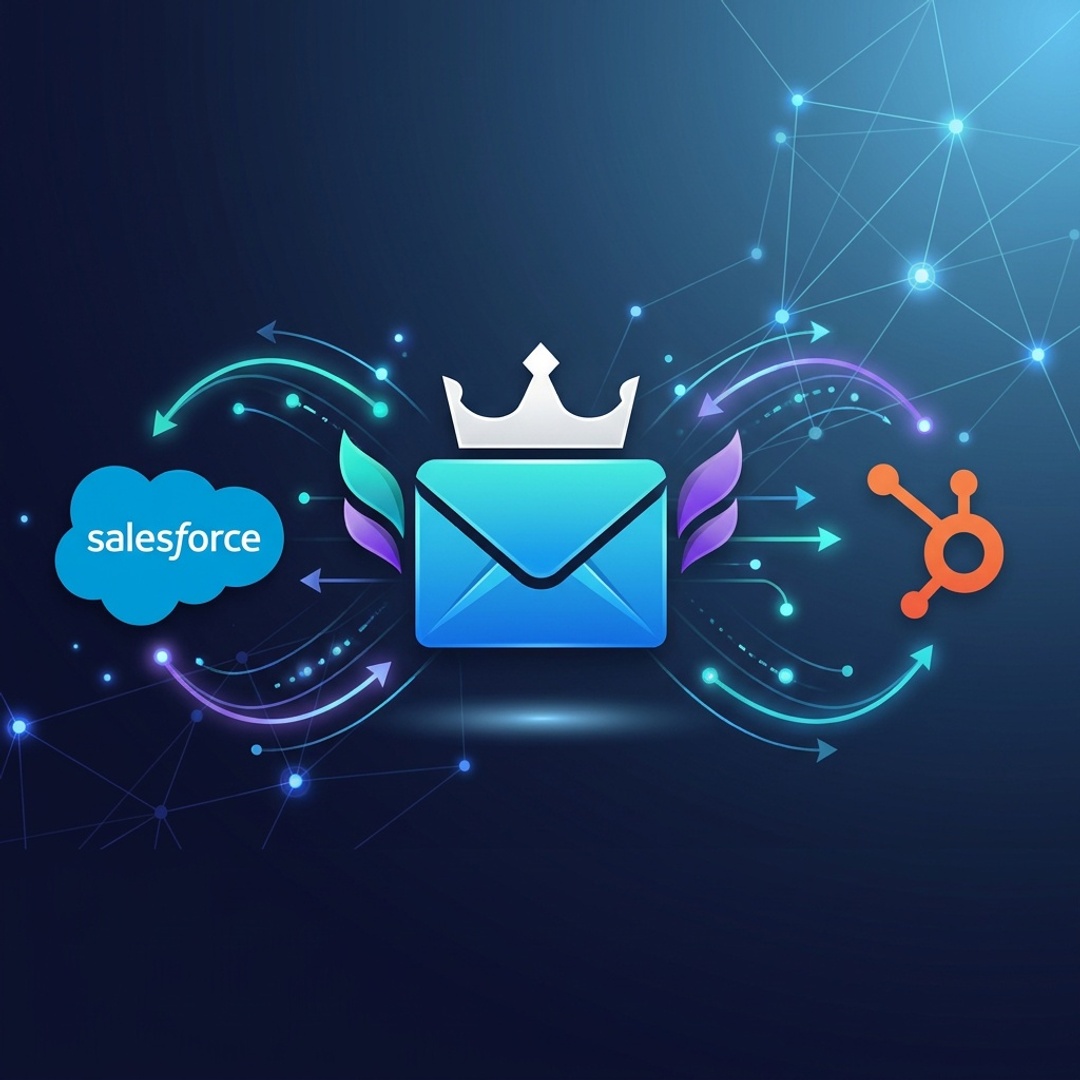
HubSpot and Salesforce sync
Push recovered contacts straight into your CRM with custom field mapping and lifecycle stage assignment. Auto-sync runs after every scan.
.jpeg)
Outlook support
ReplyRevive now works with Outlook in addition to Gmail. Same speed, same precision, same results across both platforms.
Mobile experience
Full mobile UI with bottom navigation and pull-to-refresh. Native app feel on any device, anywhere you work.
Built for speed and precision
Everything you need to turn auto-replies into revenue

Auto-scan your inbox
Continuous scanning detects contact changes the moment they happen. No manual work, no missed opportunities.
Slack alerts
Get notified instantly when a lead is recovered. Stay in your workflow without switching tabs.
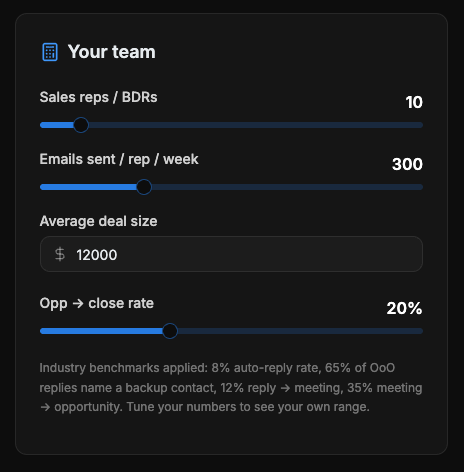
ROI dashboard
Track every recovered lead and measure the impact on your pipeline. See what's working in real time.
Advanced filters
Filter by company, industry, or role. Scan only what matters and focus on the best opportunities.
Stop losing deals
to outdated contacts
Every auto-reply is a second chance. Don't miss it.